Zunoy Notes. Where every thought finds its place.
Zunoy online notes helps you capture every idea, organize the knowledge behind it, and turn scattered thoughts into
clear next steps — all from one connected workspace.
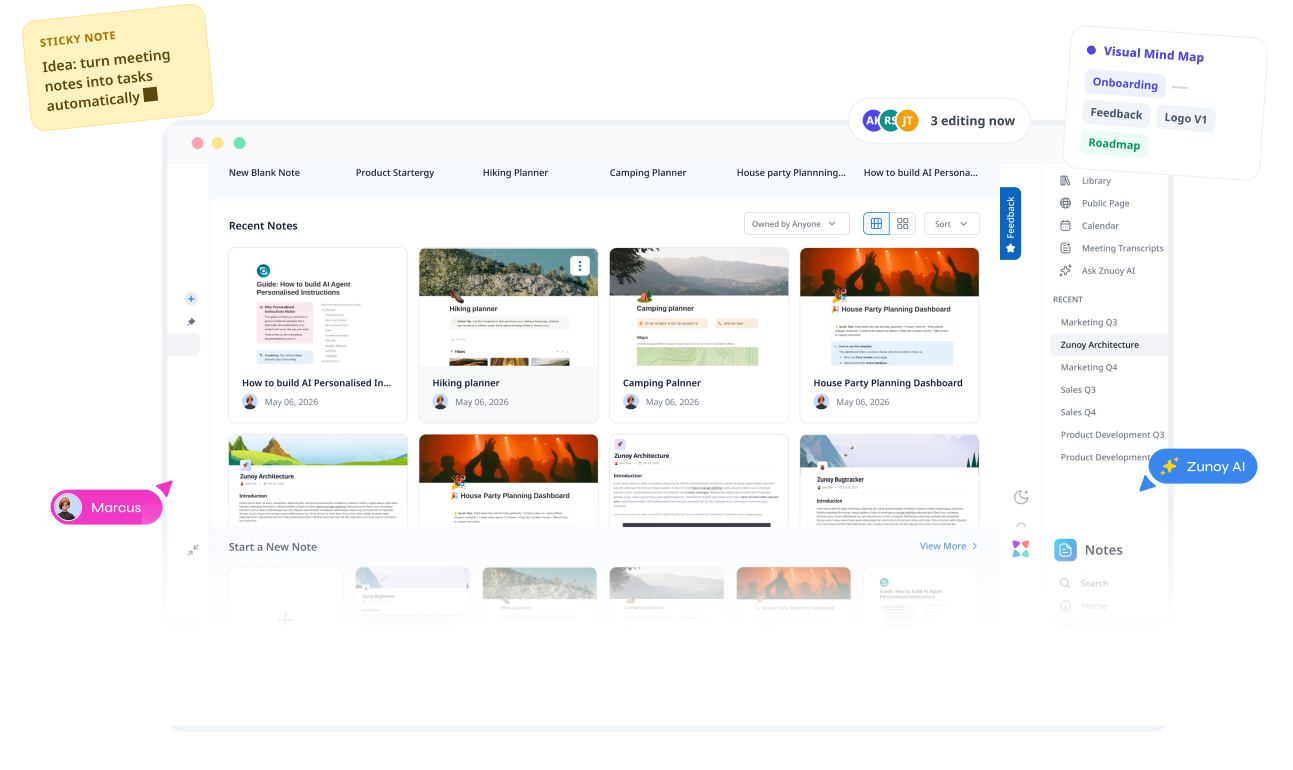
When your notes live everywhere, nothing stays clear.
Your second brain, finally organised.
Notes, tasks, research, meeting summaries, saved ideas, and useful links tend to end up across different tools. Nothing is technically lost—but finding what you need, seeing what connects, and knowing what to do next takes more effort than it should.Start with a workspace for everything that matters to you, then create projects to keep related notes, tasks, and ideas together.
Context gets lost in threads
Zunoy keeps full context attached
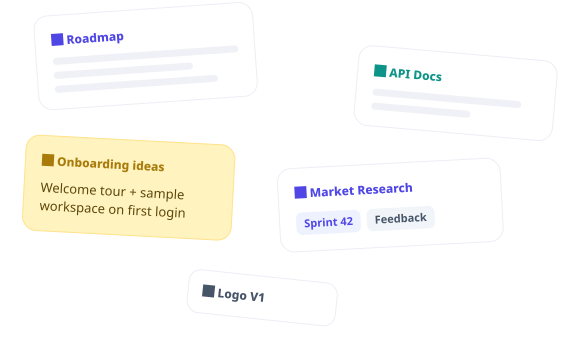
One workspace. Every kind of thought.
Some days you're drafting. Some days you're mapping a mess of half-formed ideas into something that makes sense. Zunoy Notes doesn't make you pick a mode.

Write & Build
Kanban boards, tables, to-dos, shared plans. Write it once, shape it however the thought demands.

See the Connections
Visual Mind Map and Glossary surface the links between ideas you didn't know you'd made.

Capture Without Losing It
Sticky Notes hold the quick, half-formed thoughts until you're ready to deal with them properly.

Keep What Matters Close
Pin it. Favorite it. Stop hunting for the note you needed an hour ago.

Move Ideas Forward
Tasks, reminders, deadlines — added right where the thinking happened, not bolted on afterward.

Visual Mindmap
See your entire knowledge base as living, connected graph — 2D and navigation


No installs
Write, check things off, keep moving — it all syncs the second you're back
Setup under 5 minutes
Real human support by Zunoy team
Zunoy Notes AI
Your notes have never been this smart.
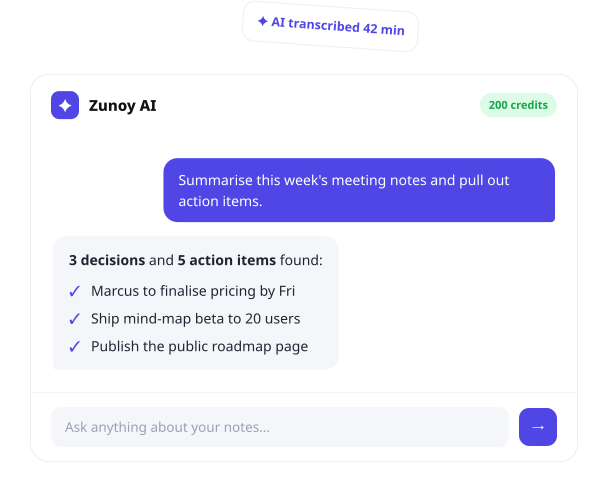
Ask it something. Hand it a bad first draft. Point it at a meeting and let it figure out what actually needs doing. This is what AI in your notes should feel like — not a chatbot bolted to the side, but part of how the workspace thinks with you.
Talk to Your Notes
Ask anything, get answers pulled straight from across your workspace.
AI Edits
Rewrite, shorten, fix the tone, fix the grammar. Inline. No copy-pasting into another tab.
Meeting Transcripts It listens, it transcribes, it hands you the action items without you lifting a finger.
AI SummariesFeed it a wall of text. Get back what actually matters.
PUBLISH PAGES
From Private Note to Public Stage
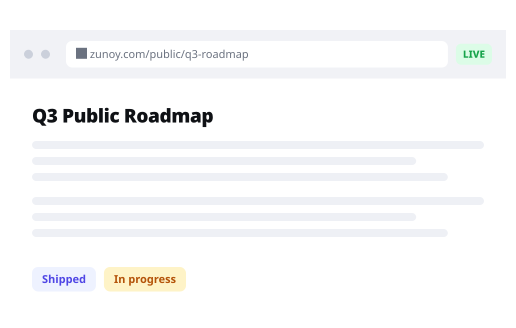
One click, and a note becomes a live web page. Your domain if you want it. Password protection if you need it. Full control over who sees it, and a clear read on how people engage once they do. No separate site to build. No separate site to maintain.
Blogs, policies, product docs, UI kits, resource hubs — whatever your audience is looking for, published straight from where you wrote it.
Start with a little structure
A blank page is harder to face than a shaped one. Grab a template for meetings, research, planning, or journaling, make it yours in minutes, and skip straight to the part that matters. If not there's (Private Templates) — Build your own for the workflows only your team runs, and reuse them for good.

Meeting Notes
Keep agendas, decisions, action items, and follow-ups in one shared place.

Weekly Planner
See priorities, tasks, notes, and the week ahead without building your plan from scratch.


Project Brief
Bring goals, scope, context, milestones, and key decisions together before work begins.
THINK BEYOND THE PAGES
When a note needs more room to think.
Some ideas outgrow the page. Turn any note into a Canvas and let it spread out — sketch it, map it, connect it — without cutting it loose from where it started.
A living whiteboard, one click away. Map ideas, draw the connections, bring your team into the same space.
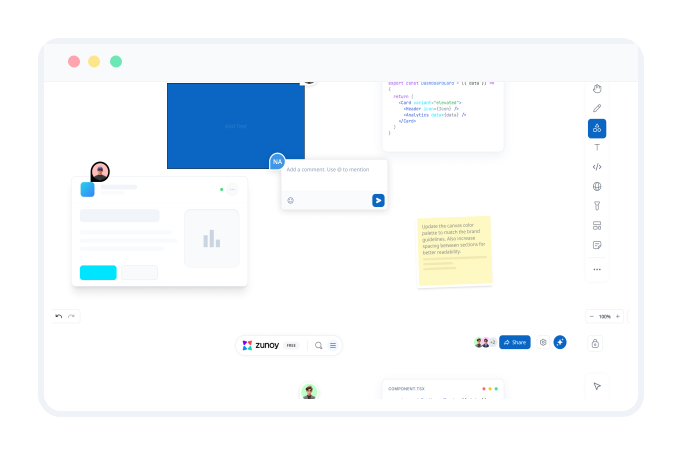
Keep your team's thinking in the same place.
Shared workspaces. Real-time edits. Comments and reactions sitting right next to the work they're about — not in a separate thread you'll never find again. Less "let's sync Thursday," more everyone already knowing what's going on.

Comments in context
Discuss right where the work lives, not in a separate thread.

Real-time edits
See cursors and changes as they happen, live.

Shared workspaces
Organize projects so everyone finds what they need.

Brainstorm together
Have brainstorming sessions with your teams.
Your ideas are ready when you are
Bring your notes, plans, and knowledge into one place that helps you move forward
Find the notes app that fits how you work.
Every notes app makes a trade-off somewhere. Need heavy-duty databases? Want fully local, offline files? Living inside an office suite already? Or do you just want to write, organize, publish, and share — without three different tools stitched together?
| FEATURES | TYPICAL WHITEBOARD TOOLS | ZUNOY CANVAS |
|---|---|---|
Shared Workspace | No | yes |
Integrations | No | Yes |
Real-time Edits | No | Yes |
Comments | No | Yes |
AI integrations | No | Yes |
See where Zunoy Notes actually stands against the alternatives. Feature by feature. No pretending one tool fits everyone.
FREQUENTLY ASKED QUESTIONS
Questions? We’ve got answers
Is Zunoy Notes free?
Yes. You can start with Zunoy Notes for free, with no credit card required. Upgrade only when you need more collaboration, AI usage, publishing controls, or workspace features.
What is Zunoy Notes?
Zunoy Notes is a connected workspace for notes, ideas, research, tasks, and team knowledge. It helps you capture information, organise it clearly, and return to it when you need it.
How is Zunoy Notes different from Notion?
Zunoy Notes is built notes-first: a simpler place to think, write, and connect knowledge without turning every workflow into a database. It also brings AI, visual mind maps, tasks, publishing, and collaboration into the same workspace.
Can I publish my notes as a website?
Yes. With Public Pages, you can publish selected notes as shareable web pages. You can control access, add password protection, use a custom domain, and manage SEO settings where available on your plan.
Does Zunoy Notes have AI?
Yes. Zunoy Notes AI can help you ask questions across your workspace, improve writing, transcribe meetings, extract action items, and summarise long notes.
THE ZUNOY SUITE
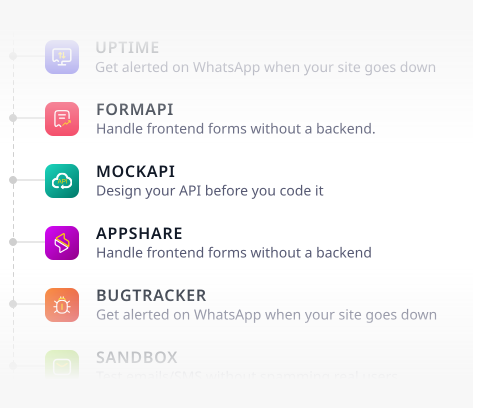
More Than Just a Canvas
Zunoy is a developer and productive suite to build, ship and monitor your apps. No more juggling multiple different dashboards
Ask before you decide.
Not sure Zunoy Notes fits how you work? Skip the guesswork — ask the AI. It knows this product better than any page ever could.

Ask ChatGPT

Ask Claude

Ask Gemini

Ask Perplexity
Stop losing track of what matters.
Your creative canvas is fully prepared and waiting for you the instant your ready to start. Connect Zunoy Canvas to the tools you already use. Board updates, comments, task assignments --delivered where your team will actually see them


Notes
Zunoy online notes helps you capture every idea, organise the knowledge behind it.
Operational
Contact Us On
Mail Us
support@zunoy.comCopyright © 2026 - Mentcube Innovations Pvt Ltd.. All Rights Reserved.